


 From the makers of ezDone


One place for the small jobs that get in the way
Most days something small stands between you and finishing a task: a HEIC photo nobody can open, a PDF two megabytes over an upload limit, a spreadsheet in the wrong format, an invoice that has to go out this afternoon. ezDone is a collection of tools for exactly those jobs, and each one is built to be finished in under a minute.
What makes them different is where they run. Everything happens inside your browser tab, using the same engines that display your photos and documents. Your files are never uploaded, so there is no queue, no account, no daily limit, and nothing of yours sits on someone else's server.
What you can do here
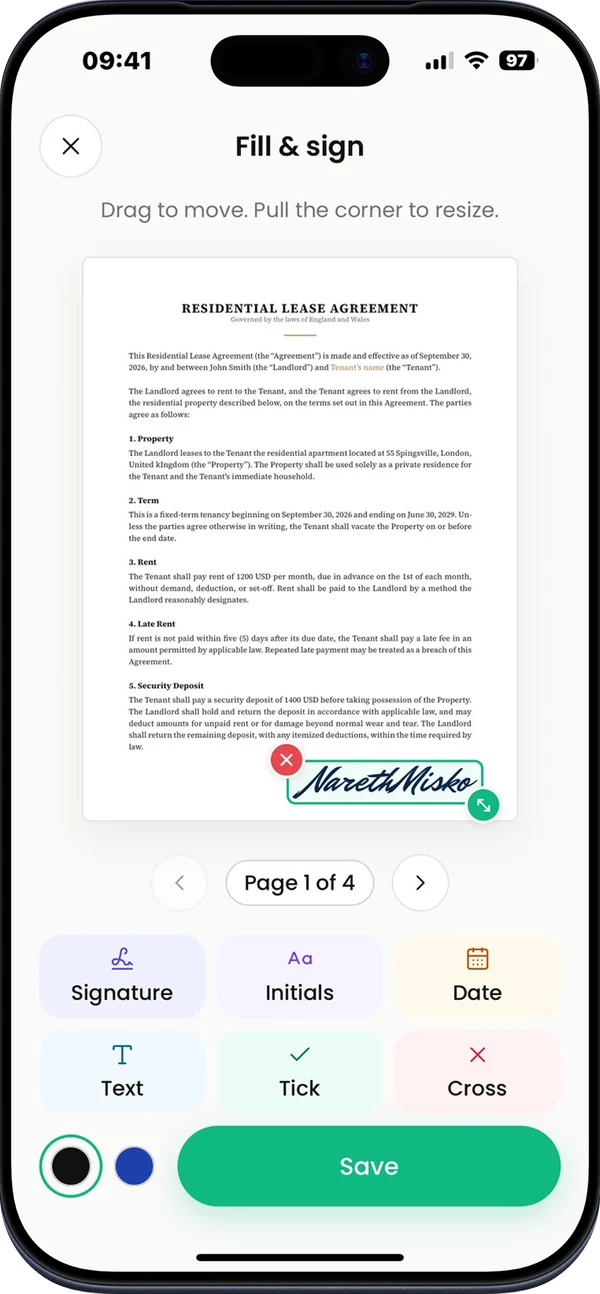
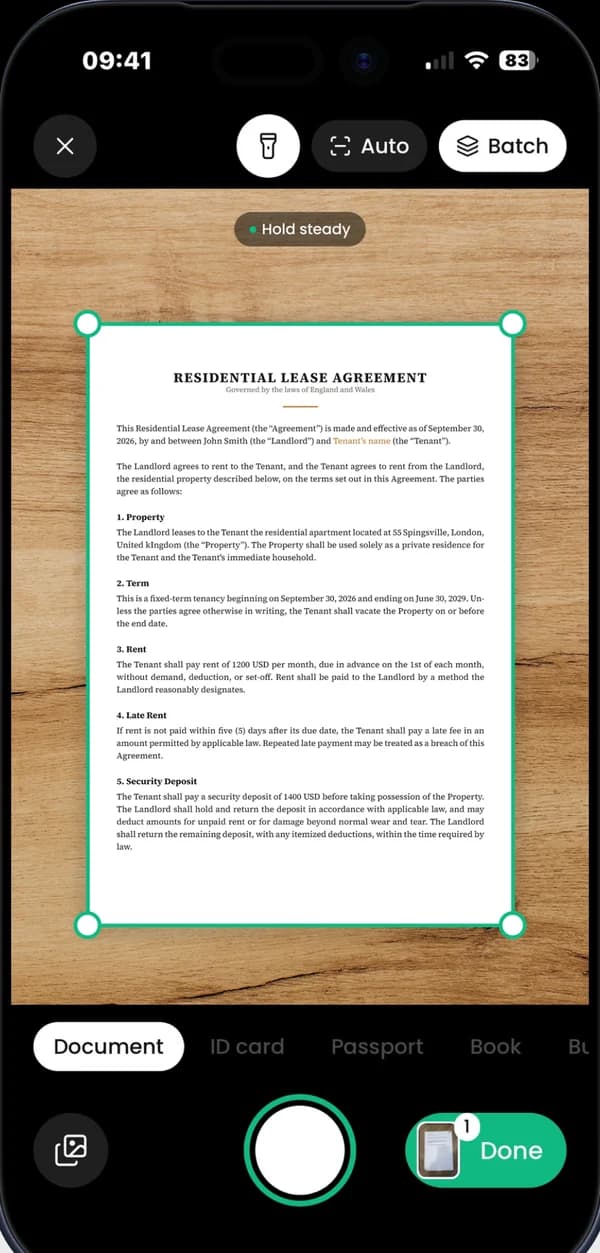
The file converter handles images, documents, spreadsheets, data files, subtitles and archives, with dedicated pages for the conversions people ask for most. Image Studio covers 17 jobs, from bulk compression and resizing to background removal and favicon sets. PDF Studio handles 12, including compressing, merging, splitting, signing, watermarking and genuine redaction.
Beyond files, there is a QR code generator with full styling control, a password generator built on your browser's cryptographic random source, an invoice builder that produces a clean PDF, and a resume builder whose live preview is the PDF you download.
- File converter with dedicated pages for popular format pairs.
- Image Studio: 17 tools for photos and graphics.
- PDF Studio: 12 tools for documents.
- QR codes, passwords, invoices and resumes.
Why in-browser tools are worth choosing
Privacy is the obvious reason. A contract, a payslip, a medical letter or a client photo never leaves your device, which also means you can use these tools on material you are not allowed to upload anywhere.
Speed is the second. There is no upload, no waiting in a queue and no download of the result from a server, so a batch of 50 photos is limited only by your own machine. The third reason is simply that nothing is metered: no account, no watermark on your output and no cap on how many files you process in a day.
What runs on your device, and what does not
Every conversion and edit listed above runs locally. The one thing that travels over the network is the page itself, plus, for the AI background remover, the model files, which are downloaded once from a public content network and then cached. Your image is still processed on your device.
Because the work happens locally, results depend on your browser and hardware. Chrome, Edge, Firefox and Safari all work; a recent browser handles large files and heavy batches more comfortably, and phones are slower than laptops on the heaviest jobs.
Questions about ezDone
Are my files uploaded?
No. Files are read and written inside your browser, so they stay on your device.
Do I need an account?
No. Every tool works immediately, with no sign-up and no email address.
Is it really free?
Yes. There are no paid tiers, no watermarks on your output and no daily limits.
Does it work on a phone?
Yes. The tools work in mobile browsers, although very large files are quicker on a computer.
Which languages are available?
English, Spanish and French, with the same tools and content in each.
What happens to my files when I close the tab?
They are gone from the page. Nothing is stored except the settings a tool keeps locally, such as your recent QR codes.